3.9.2026: Shared Meetings Tab
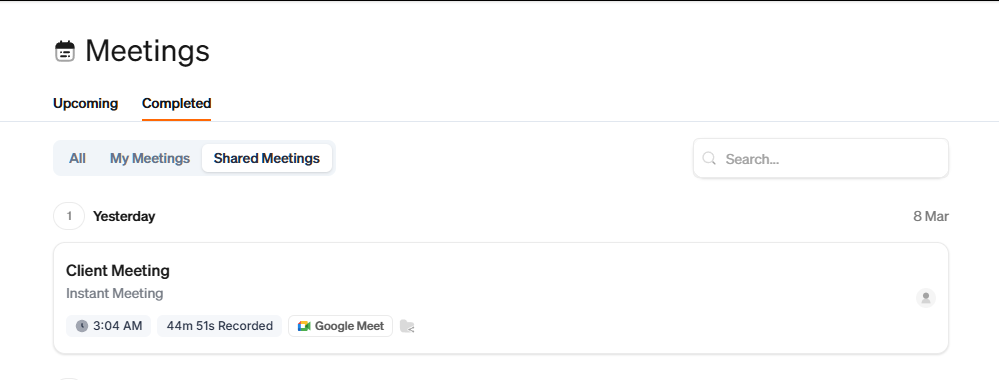
The new Shared Meetings tab makes it easy to find every meeting that's been shared with you—all in one place. Instead of navigating to individual client profiles, you can now see all your shared meetings directly from the Meetings page under the Completed tab.
Whether a teammate shared notes from a recent client call or an internal sync, you'll have quick access without the extra clicks. It's a faster way to stay in the loop on conversations that matter to you.
To get started, head to your Meetings page, open the Completed tab, and select Shared Meetings to see everything that's been shared with you.