2.23.2026: Sharing Panel
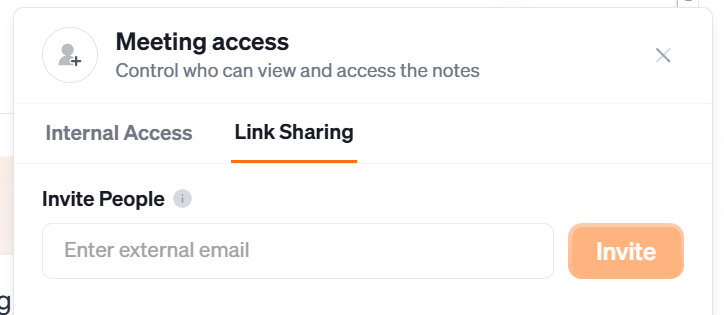
The new Sharing Panel brings together Internal Sharing and Link Sharing in one place—making it easier to share meetings with the right people, whether they're on your team or outside your organization.
With the updated panel, you can grant teammates view and edit access to meeting notes, insights, action items, and decisions, while also generating a read-only link to share with external users. Team plan users can now also share meetings directly to specific teams, so the right people always have access without any extra steps.
To get started, open a meeting and use the Sharing Panel to add teammates, assign access, share to a team, or generate a link for external sharing.